MosaiQ Labs
Designing trust in AI research workflows
Product Designer (end-to-end: UX, UI, prototyping, shipping)
Research hub workflows • AI verification & transparency patterns • reporting templates • reusable components
Design • Engineering • Sales / customer-facing feedback loop
2023 – 2025
AI-powered research & reporting platform for high-stakes professional decisions
MosaiQ is an AI research platform used by finance and market-research teams to analyse large datasets and produce investment-grade outputs. As the product scaled, the primary UX risk became trust: users needed to verify AI-generated claims quickly enough to rely on them in high-stakes decisions.
As Product Designer, I designed workflows and transparency patterns that made AI outputs traceable and behaviour legible — enabling users to confidently act on results while maintaining a clear link to underlying evidence.
More broadly, this work explored a fundamental design challenge in AI products: shaping how people interact with generative systems. Beyond solving specific workflow problems, I focused on defining interaction patterns that made the AI understandable, steerable, and usable as a collaborative tool — translating model behaviour into clear, effective product experiences.
My work focused on three connected problems:
Collect + organise at scale (so users stay oriented in messy datasets)
Verify AI outputs (so users can inspect, challenge, and rely on results)
Turn insights into deliverables (so research becomes repeatable outputs)
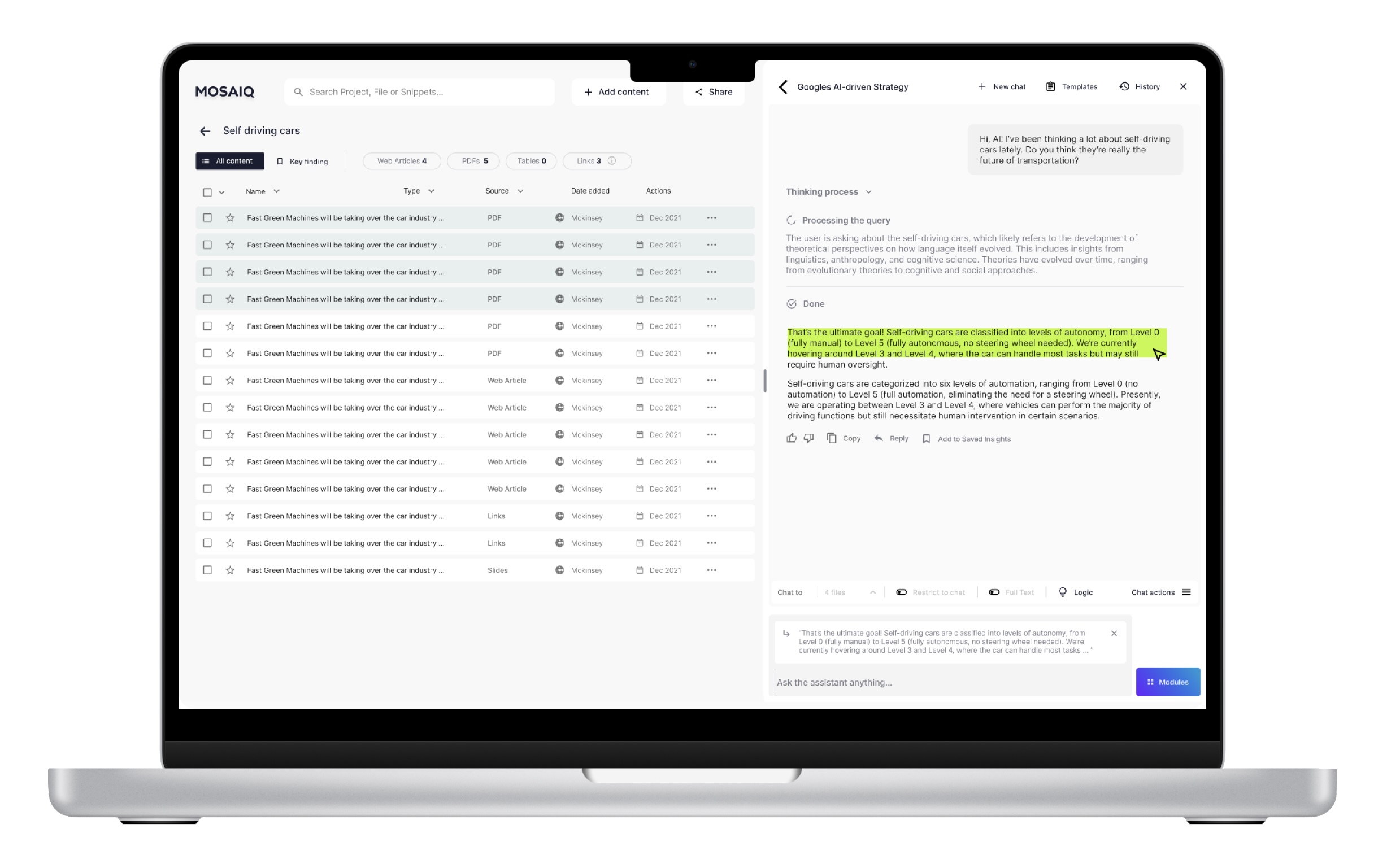
Reworked the research hub information architecture to support larger datasets and faster navigation
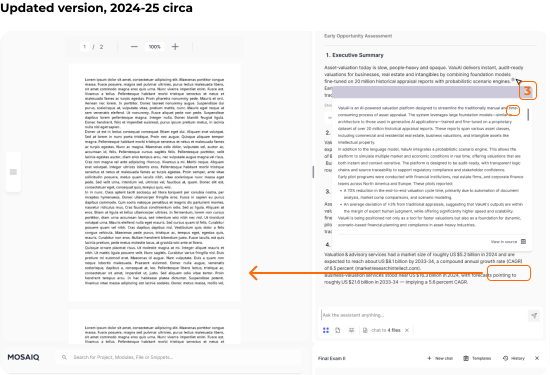
Shipped AI verification patterns (citations, selection context, transparent states) to make outputs inspectable
Reduced browsing friction with tabs, filters, and clearer grouping aligned to real workflows
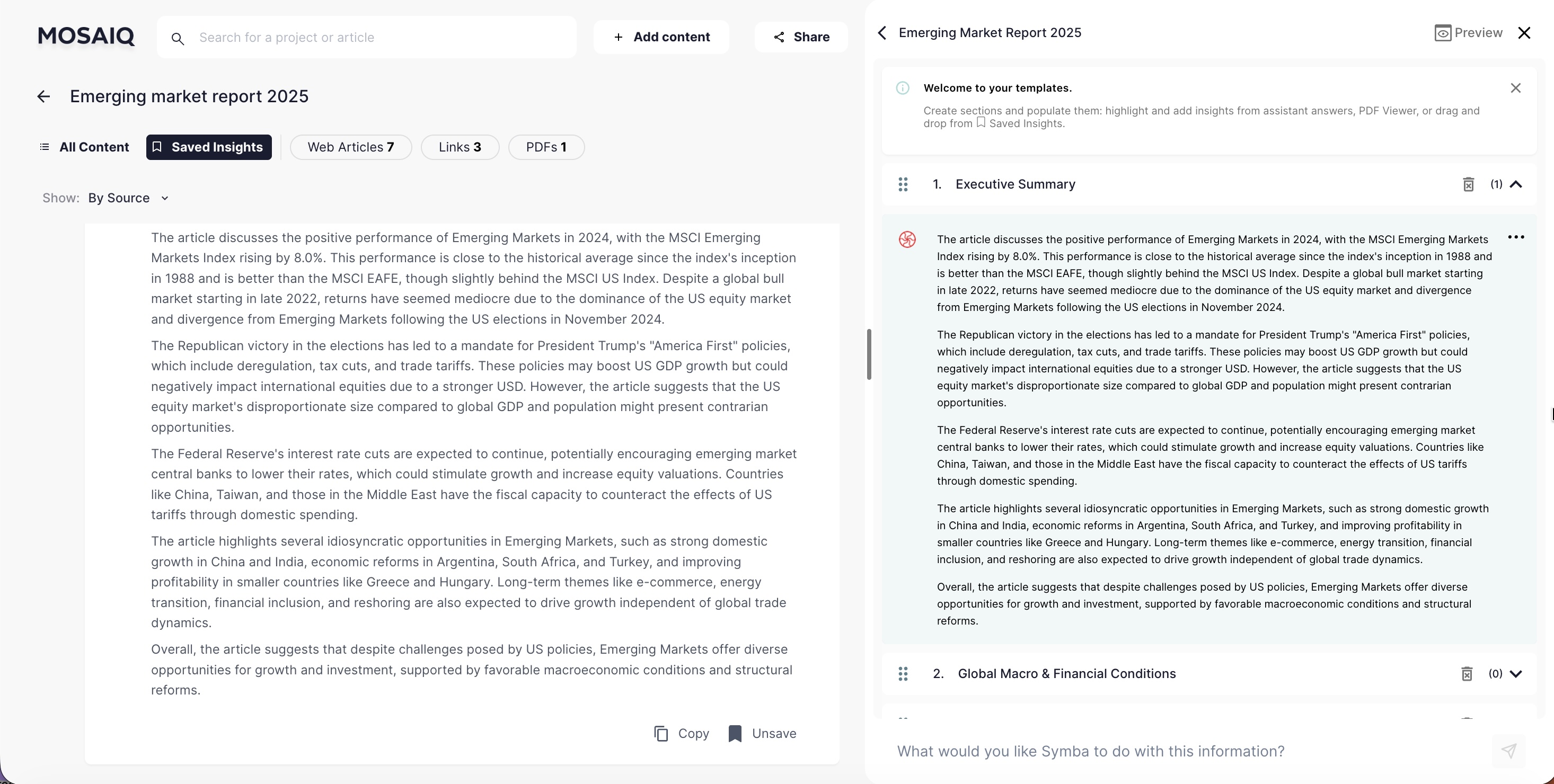
Introduced templates and repeatable modules to help teams convert research into consistent memos and reports
This work improved how teams collected information, verified AI-generated claims, and produced deliverables under deadline pressure. Evidence came primarily from customer calls, onboarding sessions, and feedback during demos.
Faster orientation in large datasets: users could narrow, select, and retrieve relevant content with less scanning
Higher confidence in AI outputs: verification patterns reduced hesitation and increased willingness to act on results
Smoother research → report flow: teams reported producing memos/reports substantially faster once content could be saved, traced, and reused
Built scalable workflows for organising messy datasets
Designed verification UX: citations, selection context, transparent states
Improved navigation speed with tabs/filters and clearer structure
Enabled repeatable outputs with reporting templates and AI modules
If I continued evolving the platform, I’d focus on measuring trust and reliability — not just usage. In high-stakes workflows, the best UX is often calibration: helping users know when to rely on AI vs. verify.
Instrument “trust moments” (citation opens, view-in-source clicks, edits, re-asks, overrides)
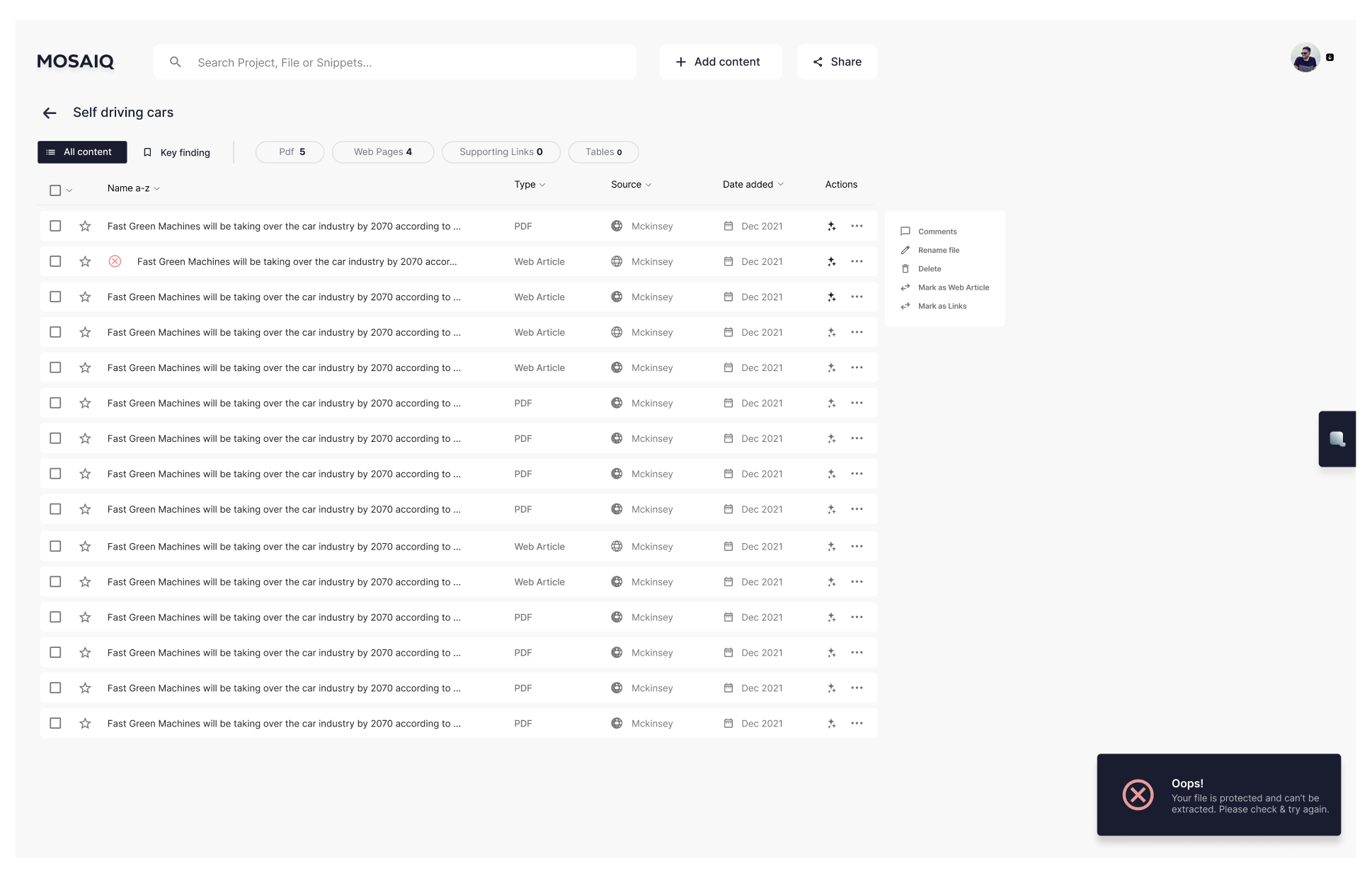
Add clearer quality signals and failure states (partial parses, restricted docs, low-confidence outputs)
Strengthen collaboration workflows (handoff, versioning, shared templates)
Expand guardrails for edge cases (conflicting sources, ambiguous claims, extraction errors)
Designing AI isn’t only interaction polish — it’s expectation management. The gap between what the system can do, what users think it can do, and what they’re accountable for is where trust is won or lost.
Trust is a product feature: visibility (sources, scope, states) changes behaviour
Feasibility matters early: tight engineering partnership prevents unshippable designs
Ambiguity is the job: evolving model capability requires iterative framing and fast learning loops
AI UX is research UX with higher stakes. When users can’t trace an answer back to evidence, they don’t just feel confused — they feel exposed. The most effective patterns weren’t flashy; they were the ones that helped users verify quickly, stay oriented, and feel in control.